
Automate UP Bhulekh Data Entry
Save hours of manual data entry with our intelligent Chrome extension. Fast, accurate, and completely secure.
Sugam Digital Active
✓ Capturing parcel owners
✓ Dividing shares automatically
✓ Submitting records...
Everything you need to file faster
One click captures the parcel data. The extension does the rest — share by share, parcel by parcel.
Auto data capture
No spreadsheets needed. The extension reads owner data the moment you pick a parcel on upbhulekh.gov.in.
Equal share division
Splits area into N equal parts to 4-decimal precision. Remainder spread across the first owners automatically.
Multi-parcel batches
Queue up to 100 parcels and let the extension process them back-to-back without supervision.
Resume after interrupt
Network drop or accidental refresh? Reopen the parcel and continue — the original owner count stays locked.
Adjustable speed
Tune submission delay between 1.5s and 6s to match the gov site's mood on any given day.
Watchdog retries
Auto-retries on stalls; pauses with a verify prompt instead of silently double-submitting a record.
Live progress overlay
A floating widget on the page shows what's happening in real time — start, pause, and resume from there.
Works without sign-in
Full automation runs anonymously. Sign in only if you want paid usage tracking and the Recharge tab.
Export logs for support
One click downloads a JSON action log you can send over WhatsApp so we can debug fast.
Simple, Transparent Pricing
Choose the plan that fits your volume. Pay easily via UPI.
Starter
Try the full automation on a small batch
- ✓ 800 entries
- ✓ All automation features
- ✓ Entries never expire
- ✓ WhatsApp support
Standard
Best value for regular use
- ✓ 2,400 entries
- ✓ All automation features
- ✓ Entries never expire
- ✓ WhatsApp support
Max
For high-volume operators
- ✓ 8,000 entries
- ✓ All automation features
- ✓ Entries never expire
- ✓ WhatsApp support
Also available: Plus (₹500 / 1,200 entries) and Pro (₹2,000 / 5,000 entries). See every package inside the extension's Recharge tab.
How to Buy
- Scan the UPI QR code below.
- Pay the amount for your desired plan.
- Scan the WhatsApp QR to send us the payment screenshot.
- Receive your coupon code instantly!
Pay via UPI
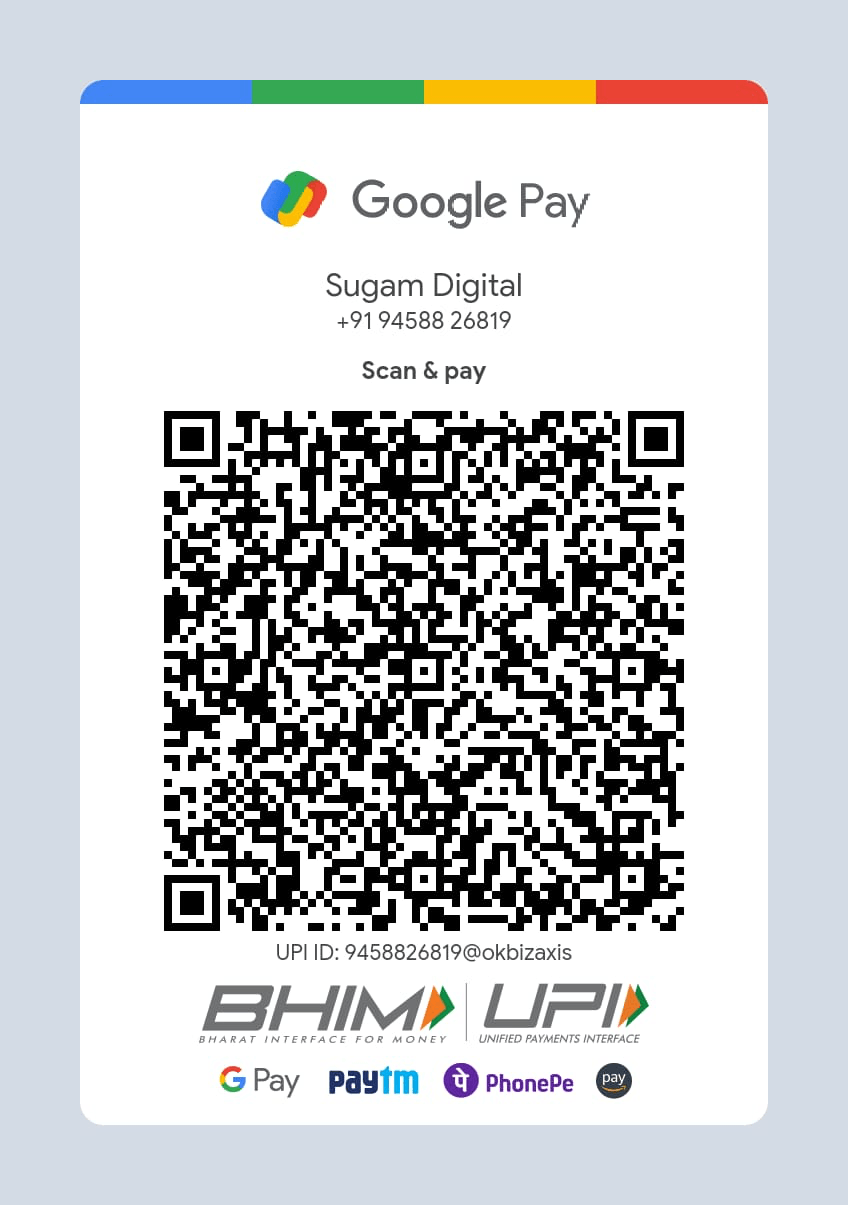
Supported by all UPI Apps
Send Screenshot

Message us on WhatsApp
Need Help?
Our support team is always ready to assist you with installation, configuration, or any issues.